ES / EN
Meet your new ally for customer management.
In this series of courses we teach you how to get the most out of Brito CRM, a tool that will allow you to have everything important in one place.
Are you ready to say goodbye to disorganization?
Beginner
Intermediate
Advanced
Administrator
Beginner Category
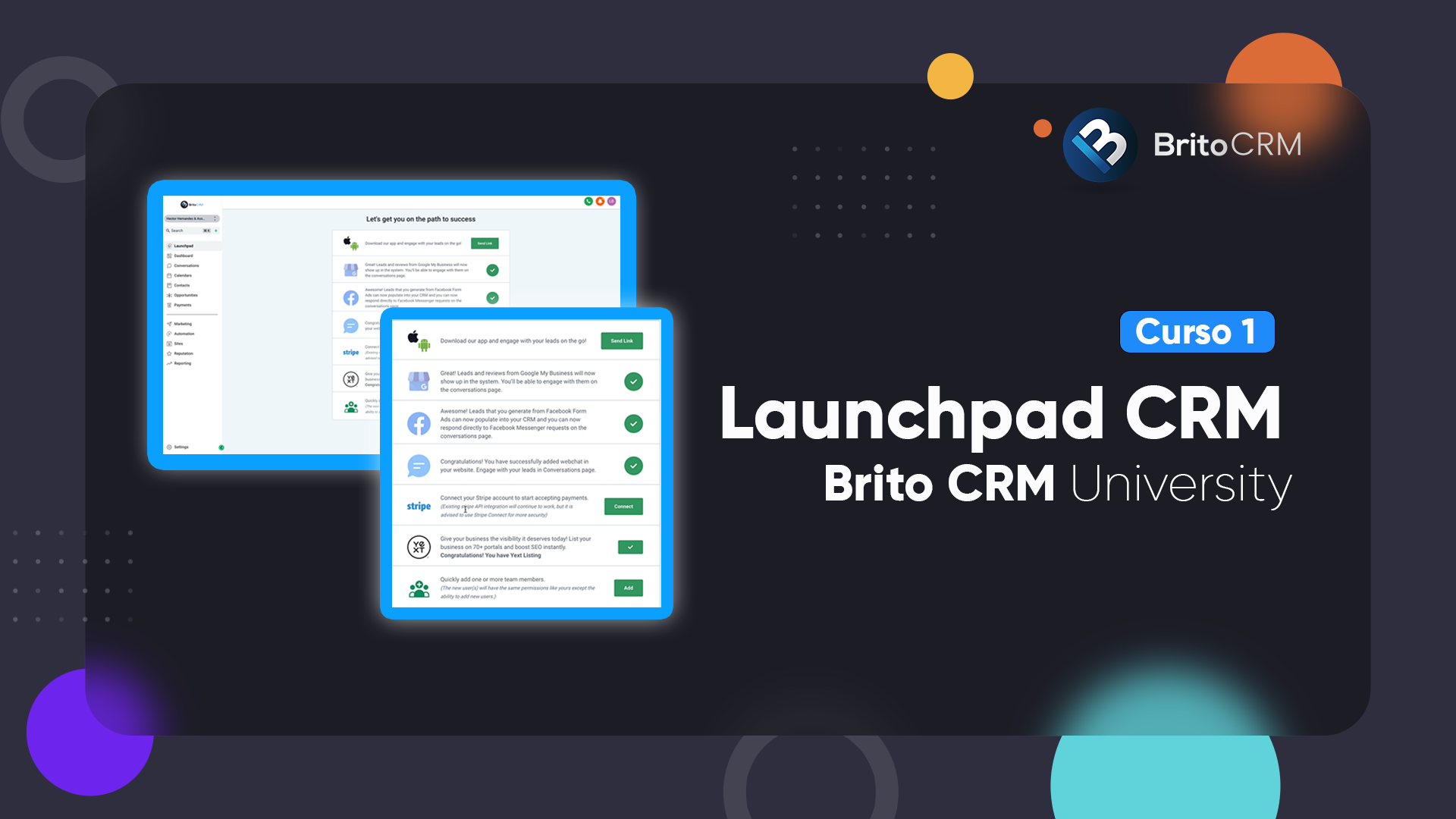
Connecting launchpad
Take your first steps on the platform.
We show you the main menu and the actions you must perform to start enjoying the benefits of this administrator.
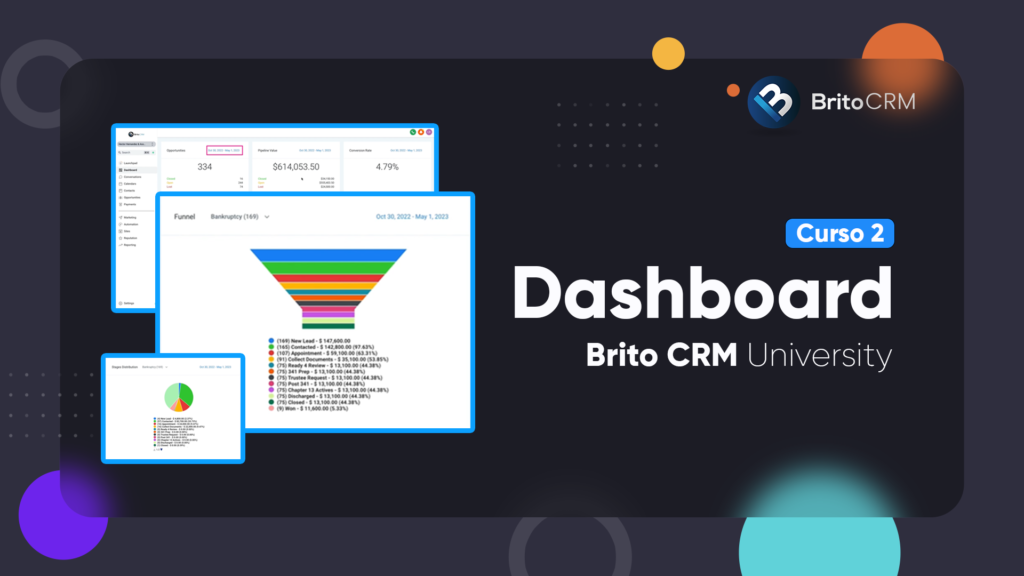
Dashboard
This is the control panel. Here you will find the data of your leads, sales, losses, results of your campaigns and much more.
Know your statistics and generate reports with the time range you prefer.
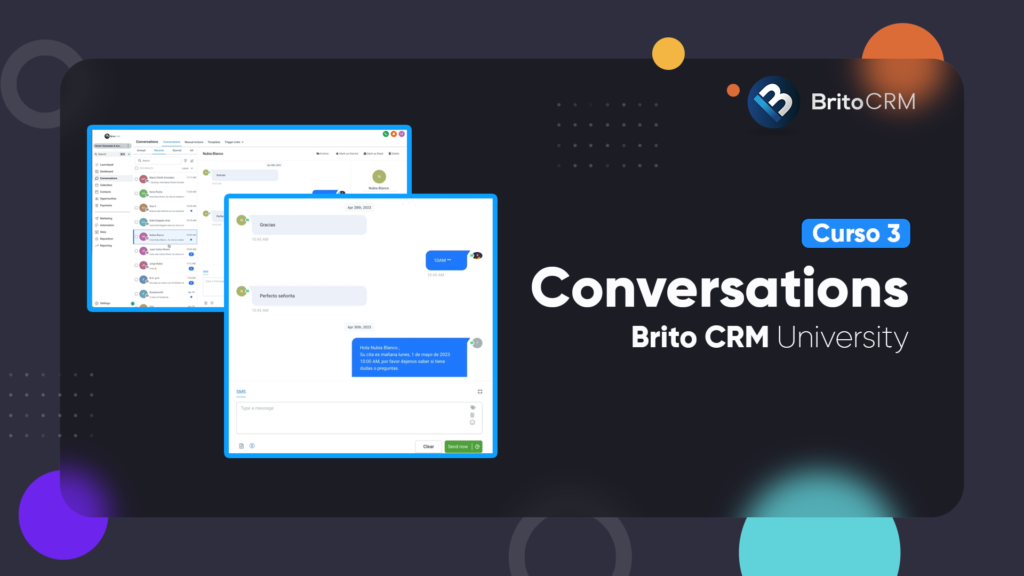
Conversations
Manage your contacts and interact with them without leaving the page or the app.
The Conversations tool allows you to send and receive messages from Facebook, Instagram, email and SMS.
Intermediate Category
Now that you know the tip of the iceberg, here are the intermediate level functions.
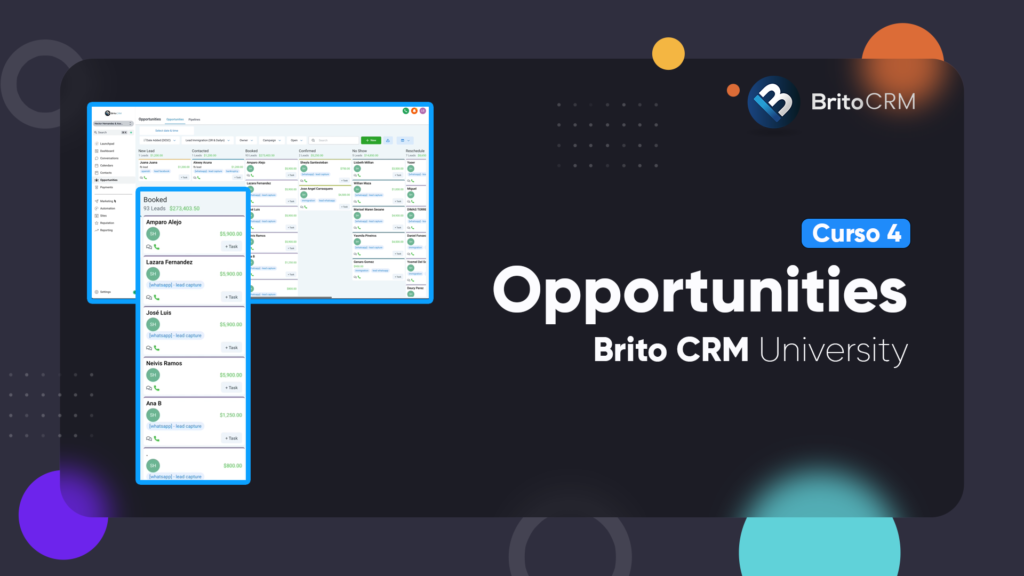
Opportunities
One of the most powerful CRM features: control of your leads in your hands.
Create sales funnels at your convenience, manage how you interact with your potential customers and delegate tasks to your team members.
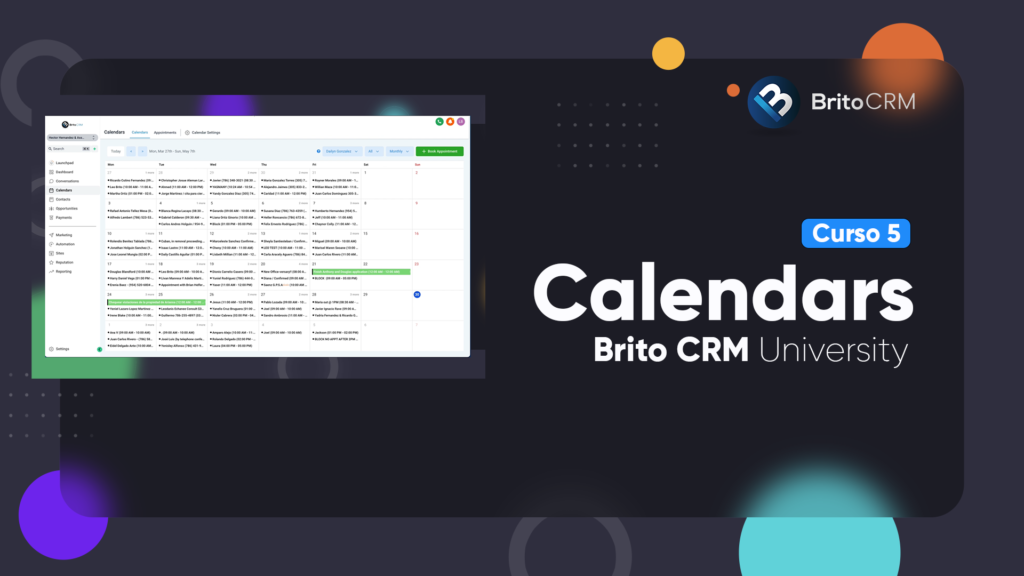
Calendar
Organize, edit and monitor the entire team’s agenda.
The Calendars tool offers numerous options for better control of tasks and meetings.
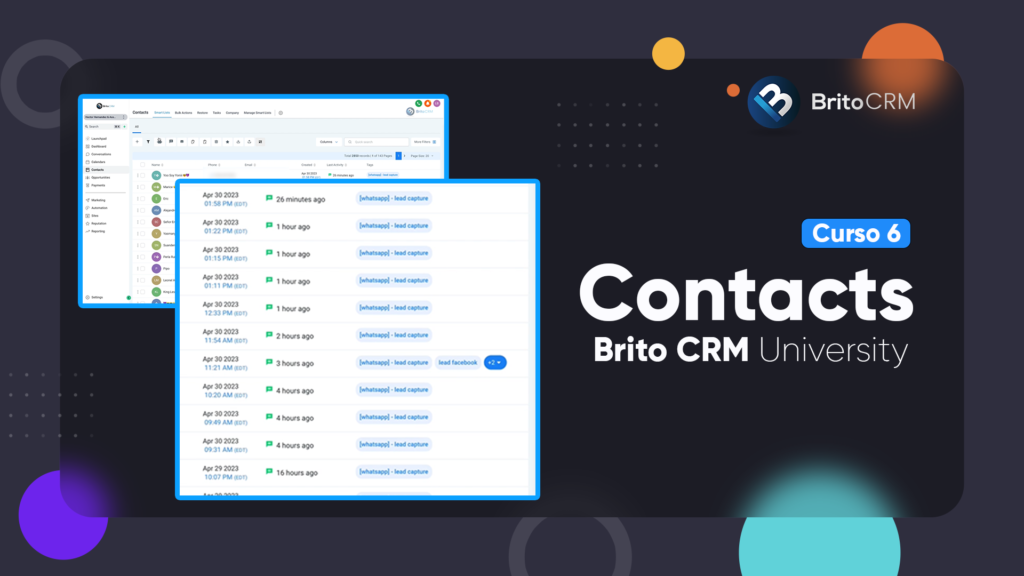
Contacts
Here we take a closer look at the functions available for contact management.
You can modify them, tag them and track where each person who contacts you comes from.
Advanced Category
You’ve reached the expert section! We show you the most advanced functions.
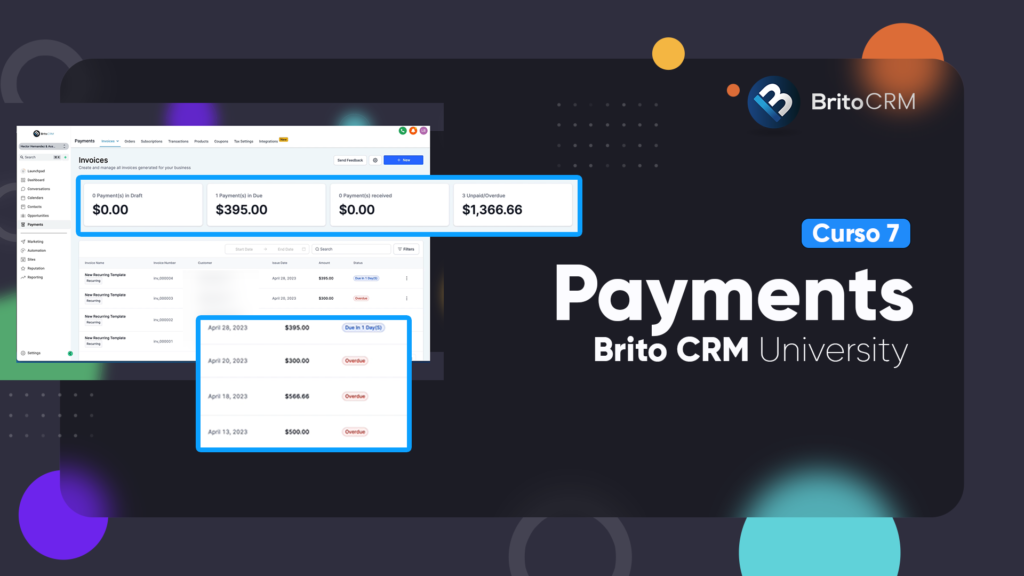
Payments
A valuable tool to manage your business finances in one place.
Learn how to generate invoices, send payment orders and create subscriptions. You can also sync your Stripe account to receive direct payments.
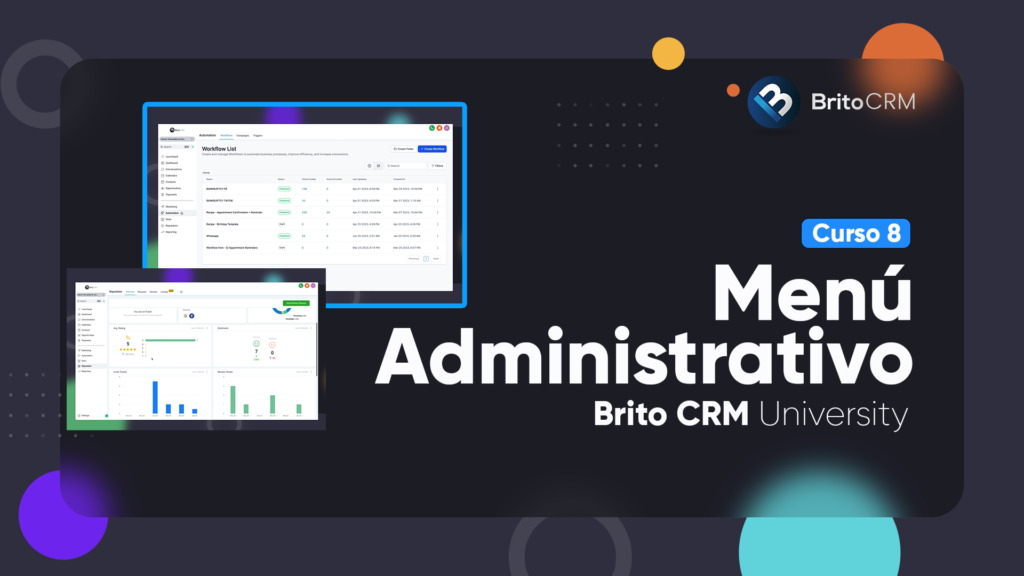
Get to know in detail the administrative options of the CRM.
From publishing and scheduling posts for your social networks to creating web pages and plugins for your company.
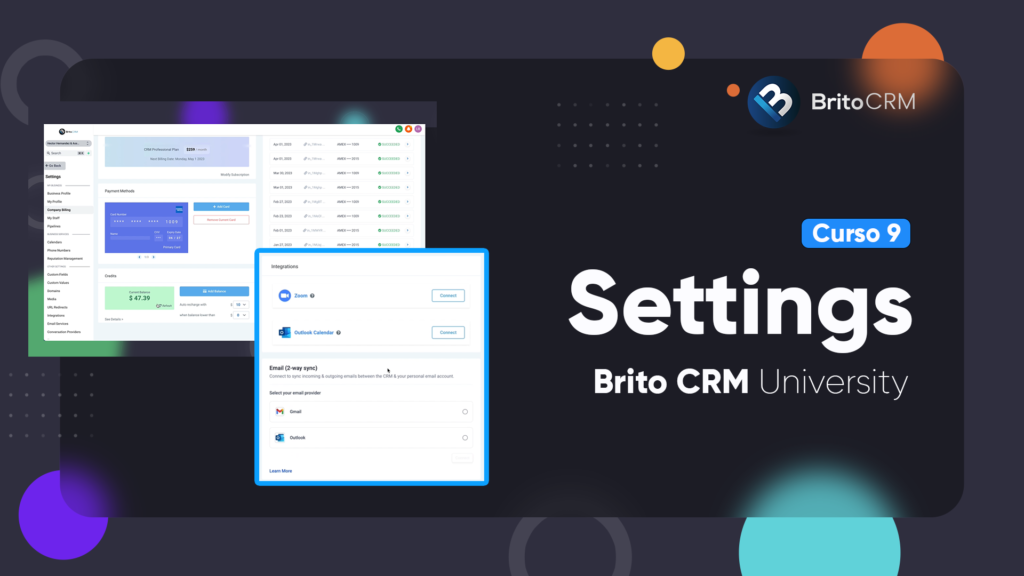
Configuration
Let’s get to work! It’s time to customize your CRM.
Configure all the company data, determine the users that will have access to the administrator, synchronize all your accounts and domains, and much more.
Category Administrator
Find out how to navigate in the exclusive menu for administrators.
Administrative Menu
This is the marketing section.
From here you can manage the company’s social networks, create e-mail marketing campaigns, set up bot automations and much more.
Do you have any questions?Contact us!